Hold musen over for å zoome

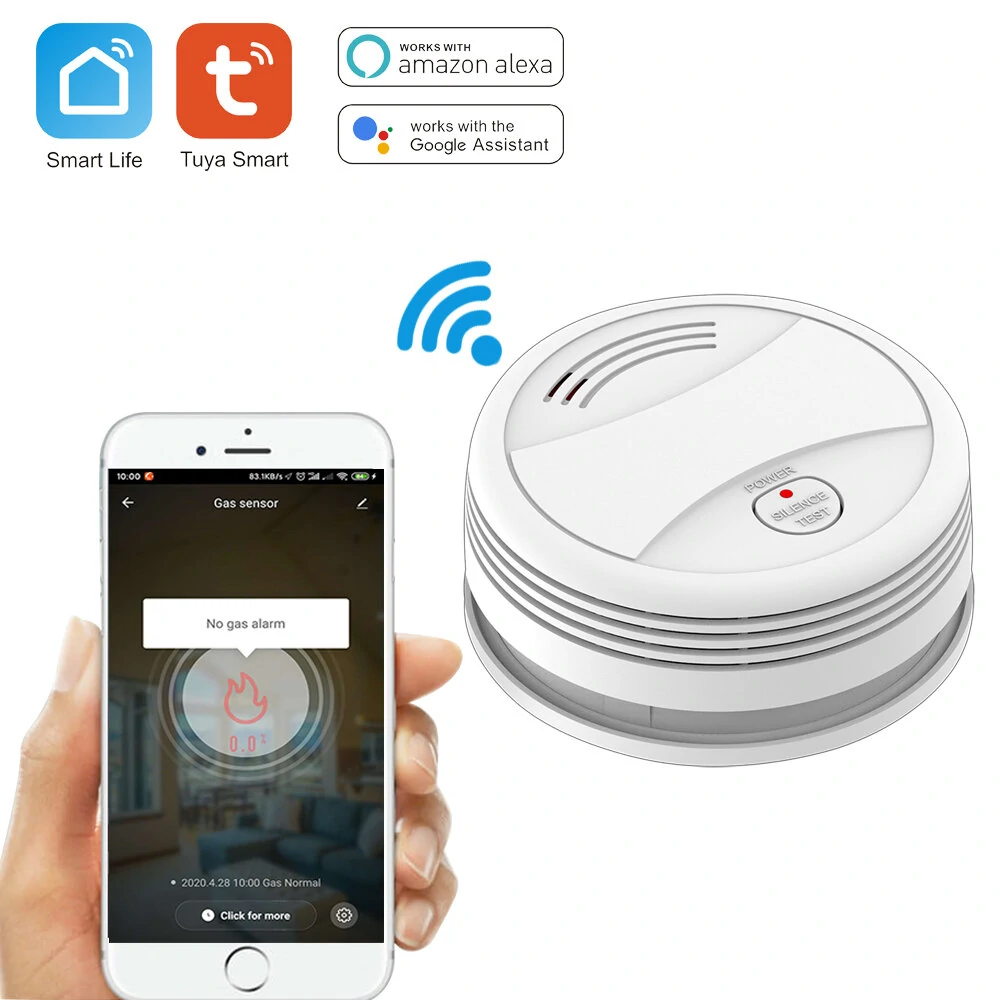
Wifi Tuya Smart Smoke Detector Sensor 80DB Alarm Fire Smoke Detector Wifi Fire Protection Home Security Alarm Smart Life

Specifications Power supply DC9V alkaline battery no include 6LR61 Static current 10uA Alarm current 100mA Working temperature 0℃ 50℃ Humidity ≦95 RH no freezing Alarm sound 80dB Low battery alert ≦7 0V±0 2V MuteTesting 1 Mute in alarm status press the TEST button to mute the buzzer only LED indicator flashes 2 Testing in normal status long press TEST button for 2s to trigger the soundlight alarm alarm message is pushed to the mobile APP WiFi ConfigurationNetworking Install Tuya Smart APP on your smartphone the first time you use the detector Make sure your smartphone is connected to the WiFi a Launch the APP click Add device Security Sensor Sensor WiFi Smoke WiFi b Long press the TEST button for 5s until LED flashes with a short beep of Di long press the button within 20s of loading the battery to enter WiFi configuration mode c Click OK in the APP input password for the WiFi an click OK the detector enters configuration mode which lasts for 60s maximum A long beep of Di with LED indicator on for 10s means the WiFi configuration is completed When WiFi configuration fails the detector exits configuration mode with short beep of Di Di Di WiFi configuration is done based on the 3 steps above WiFi Networking Status when LED indicator is on for 10s after battery is loaded it means the detector is successfully connected to WiFi Installing Method a Make a hole on the ceiling by using the percu


Banggood

Av INR 1 077,05

Tilbud / kuponger

Beskrivelse: Specifications Power supply DC9V alkaline battery no include 6LR61 Static current 10uA Alarm current 100mA Working temperature 0℃ 50℃ Humidity ≦95 RH no freezing Alarm sound 80dB Low battery alert ≦7 0V±0 2V MuteTesting 1 Mute in alarm status press the TEST button to mute the buzzer only LED indicator flashes 2 Testing in normal status long press TEST button for 2s to trigger the soundlight alarm alarm message is pushed to the mobile APP WiFi ConfigurationNetworking Install Tuya Smart APP on your smartphone the first time you use the detector Make sure your smartphone is connected to the WiFi a Launch the APP click Add device Security Sensor Sensor WiFi Smoke WiFi b Long press the TEST button for 5s until LED flashes with a short beep of Di long press the button within 20s of loading the battery to enter WiFi configuration mode c Click OK in the APP input password for the WiFi an click OK the detector enters configuration mode which lasts for 60s maximum A long beep of Di with LED indicator on for 10s means the WiFi configuration is completed When WiFi configuration fails the detector exits configuration mode with short beep of Di Di Di WiFi configuration is done based on the 3 steps above WiFi Networking Status when LED indicator is on for 10s after battery is loaded it means the detector is successfully connected to WiFi Installing Method a Make a hole on the ceiling by using the percu
Merke: Banggood

0

5 Stjerner

0

4 Stjerner

0

3 Stjerner

0

2 Stjerner

0

1 Stjerne

0

Totalt antall stemmer

Legg igjen din vurdering

Ønsker du å få tilbud og rabatter via e-post?

Registrer deg nå og følg med på nyhetene våre

Kunde - Vilkår og betingelser Kunde - Personvern

Utrolige priser

Her finner du de beste tilbudene på internett i tusenvis av produkter.

Sikkerhet

Det er ikke nødvendig å gi noen konfidensiell informasjon. Vi omdirigerer deg til tilbudsnettstedet.

Tillit

Vi jobber daglig for å sikre nye tilbud med reelle rabatter.